
Where your usage lives
You can't manage what you can't see. Two places show you your own Devin usage.
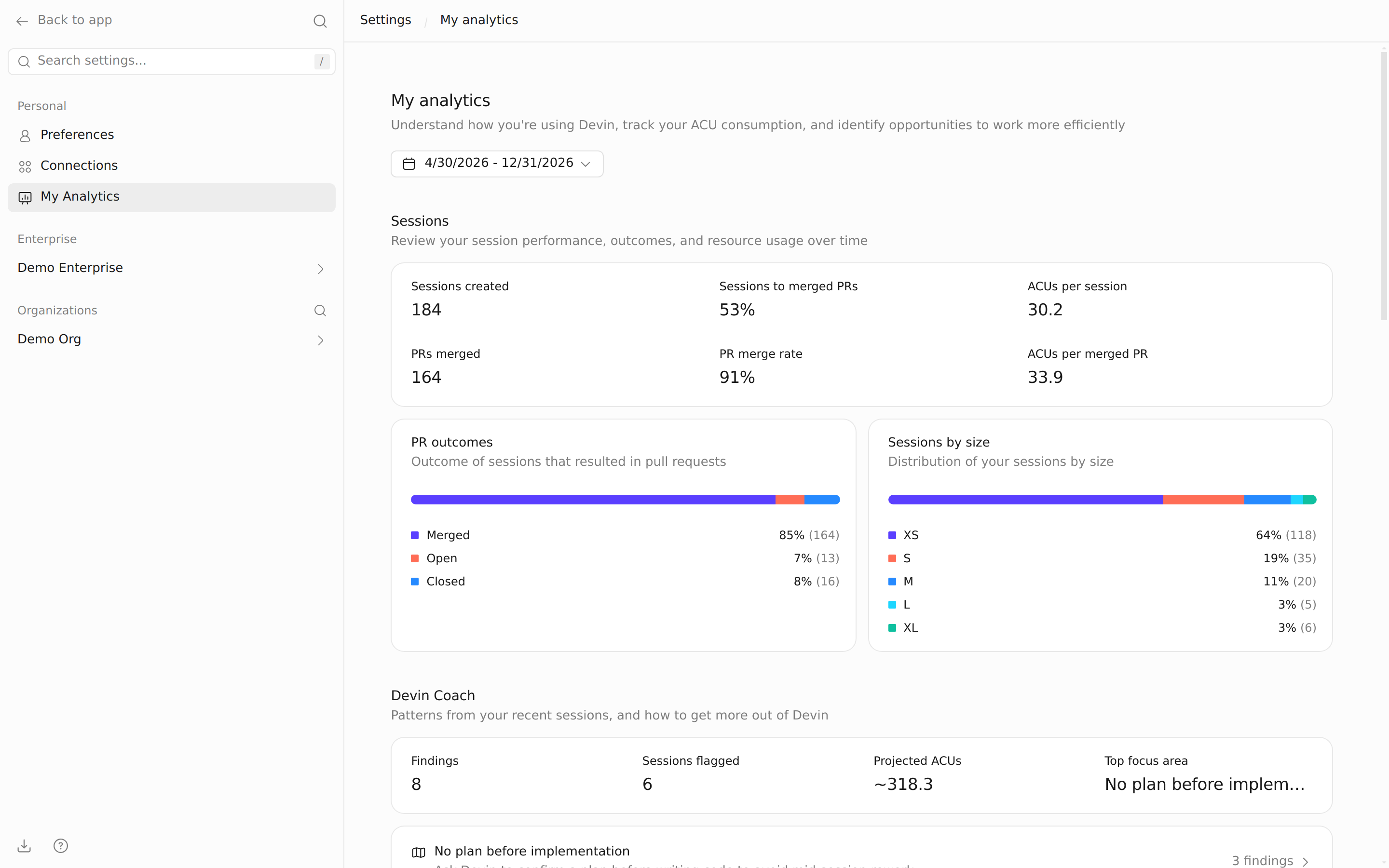
Your account: My analytics. If your enterprise has enabled Personal Analytics, the My analytics page in your settings shows your own consumption across every organization you belong to. This is the account-level view: where your usage went. If you don't see it, your enterprise hasn't turned it on; ask your admin.
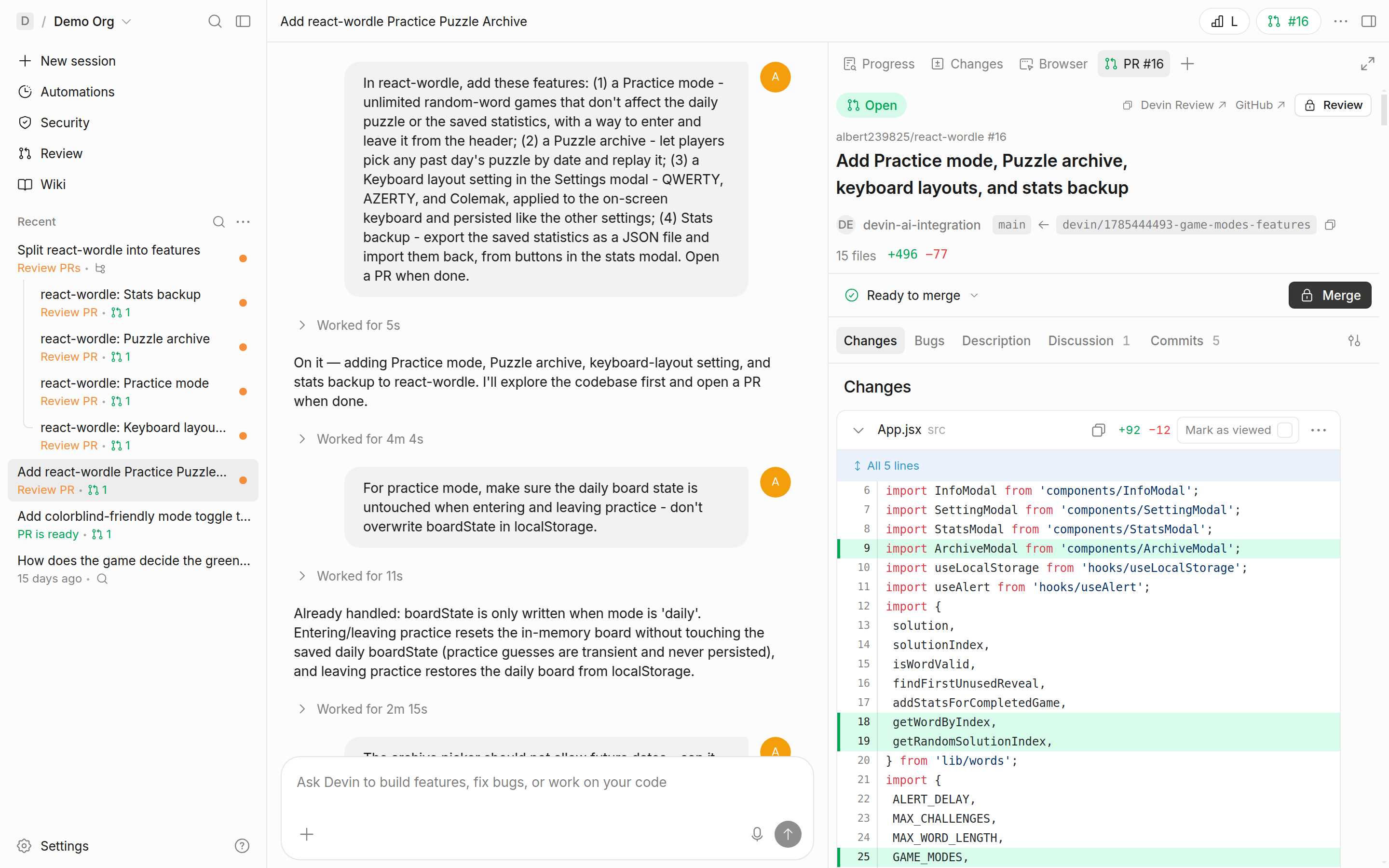
Every session: Session Insights. Every completed session shows its own cost through Session Insights, opened from the button in the session's top bar. This is the per-session view, and it's where efficiency work actually happens: the next two lessons are about reading it.
One boundary note: enterprise admins also get fleet-wide consumption dashboards and per-organization limits, covered in the Devin for Admins course; this course stays on what you can see and control as a member.